Local AI application
MeeraAI is a production-ready app for local AI inference on lower VRAM systems.
It includes five Meera model variants, supports guided local inference flow, removes terminal work from the main workflow, and installs libraries and required components through a single-click setup path.
Intelligence Stack
A five-tiered model lineup built for diverse local hardware.
MeeraAI spans from 2GB Lite models to production-grade Ultra tiers. Select a tier to explore its architectural profile and VRAM requirements.
Lite
Core
Pro
Max
Ultra
Currently viewing the five-tiered neural architecture of MeeraAI.
Core Features
The workflow is designed to stay inside the application.
The app keeps setup, libraries, navigation, and inference steps inside one guided interface flow so the main usage path does not depend on terminal commands.
Five-model Meera lineup
Hardware-Aware Inference
Quantized Optimization
Product Flow
A unified interface for a single, continuous journey.
MeeraAI's workflow is structured as a contiguous path. The user moves through welcome, dashboard, engine runtime, and settings without ever leaving the application GUI environment.
Standardizing the entry point into local AI
The welcome screen serves as the fundamental layer for eliminating the "Terminal Fatigue" commonly associated with local LLM deployment. Instead of requiring the user to manually configure virtual environments, manage PATH variables, or debug C++ compiler errors, MeeraAI provides a unified, single-click entry point.
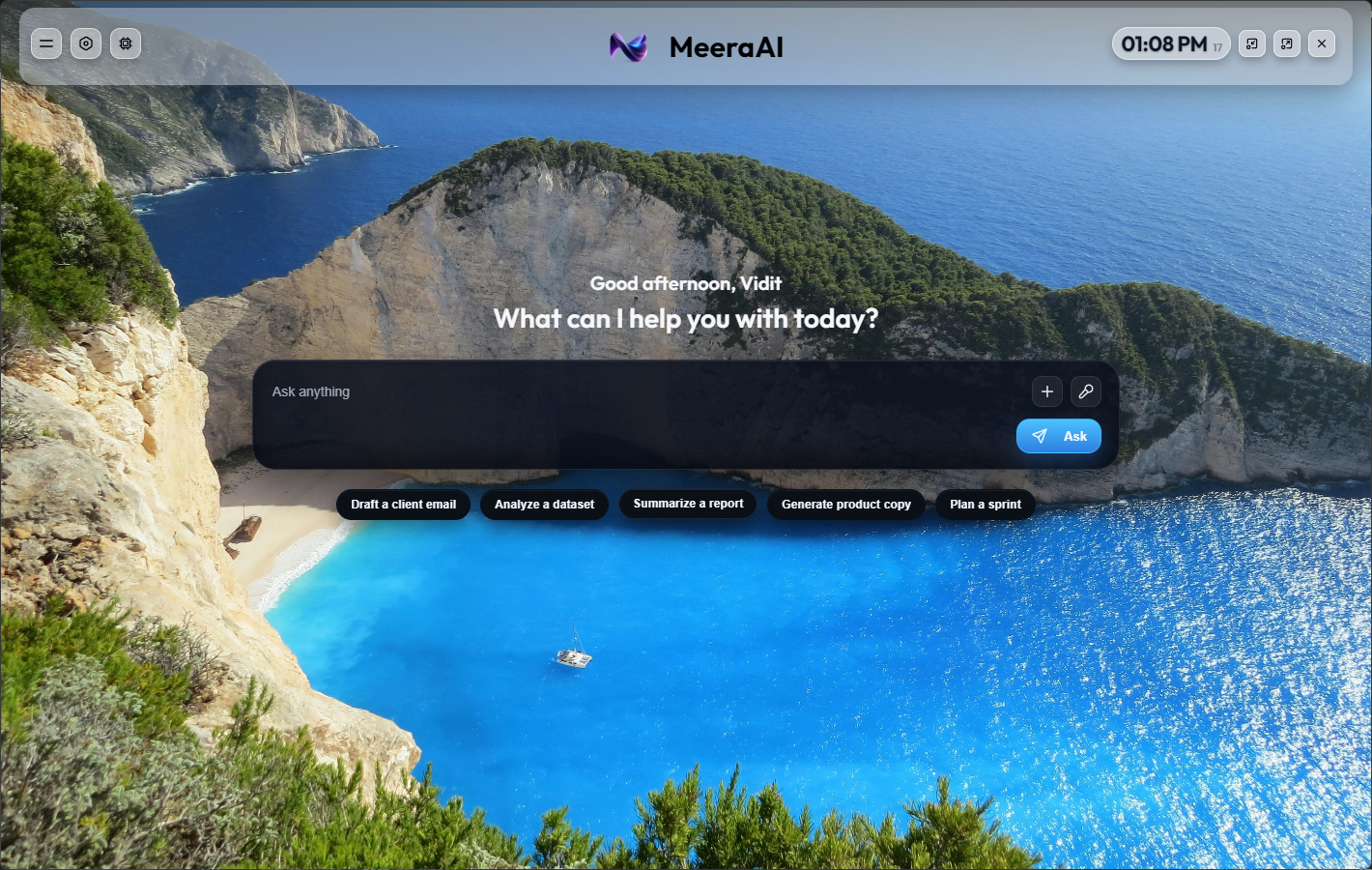
A central hub for contextual interaction
Once the application is primed, the main dashboard becomes the high-performance workspace where model interaction occurs. We designed this surface to prioritize "Contextual Toolkit Unification"—bringing history management, prompt optimization gallery, and live-streaming controls into a single, cohesive window.
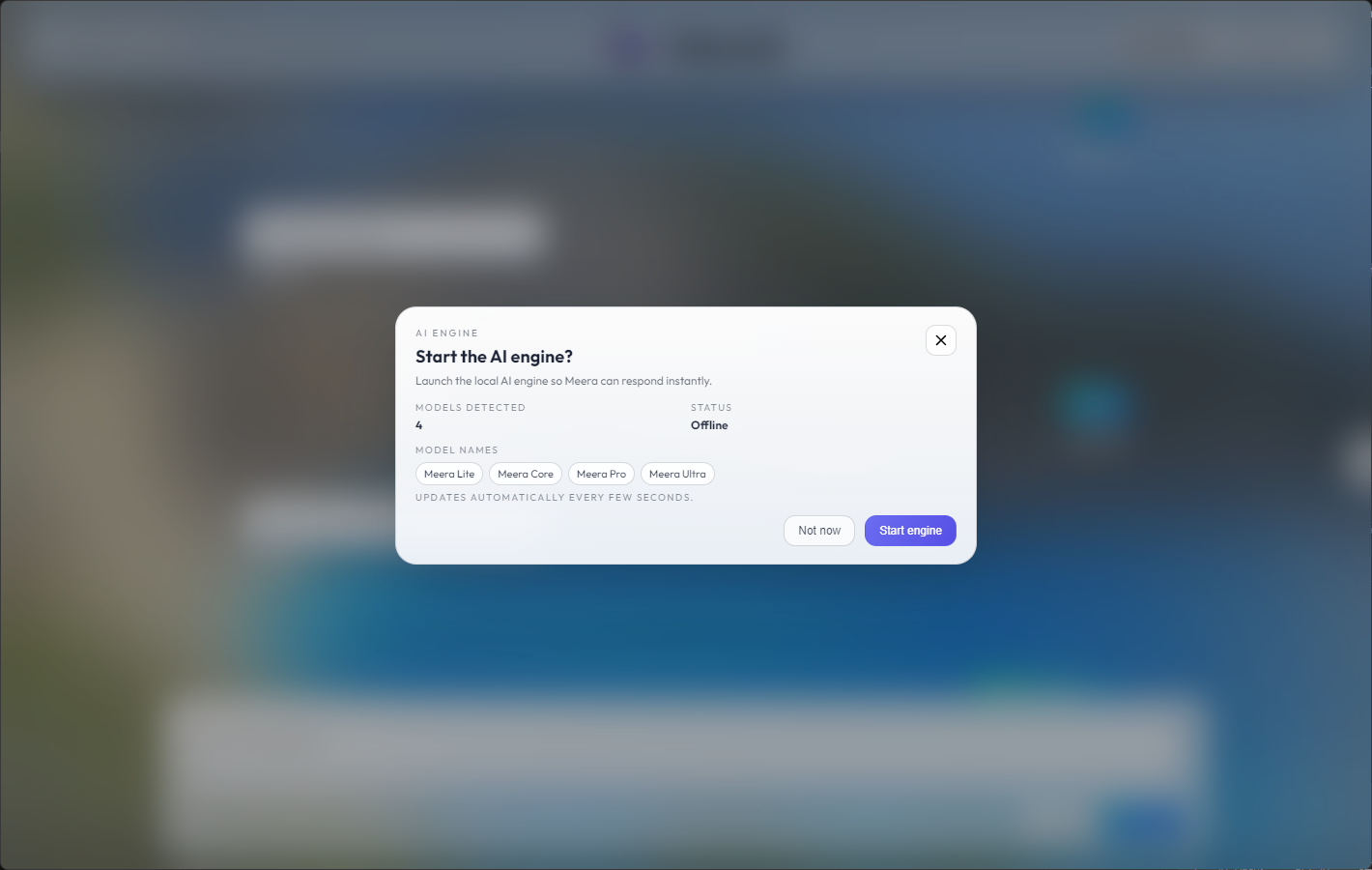
Demystifying the inference runtime layer
The engine runtime screen is perhaps the most technical component of the application flow, providing absolute transparency into the "Black Box" of AI inference. Rather than hiding the model logic behind a simple progress bar, we expose the live inference streams and technical metrics directly to the user.
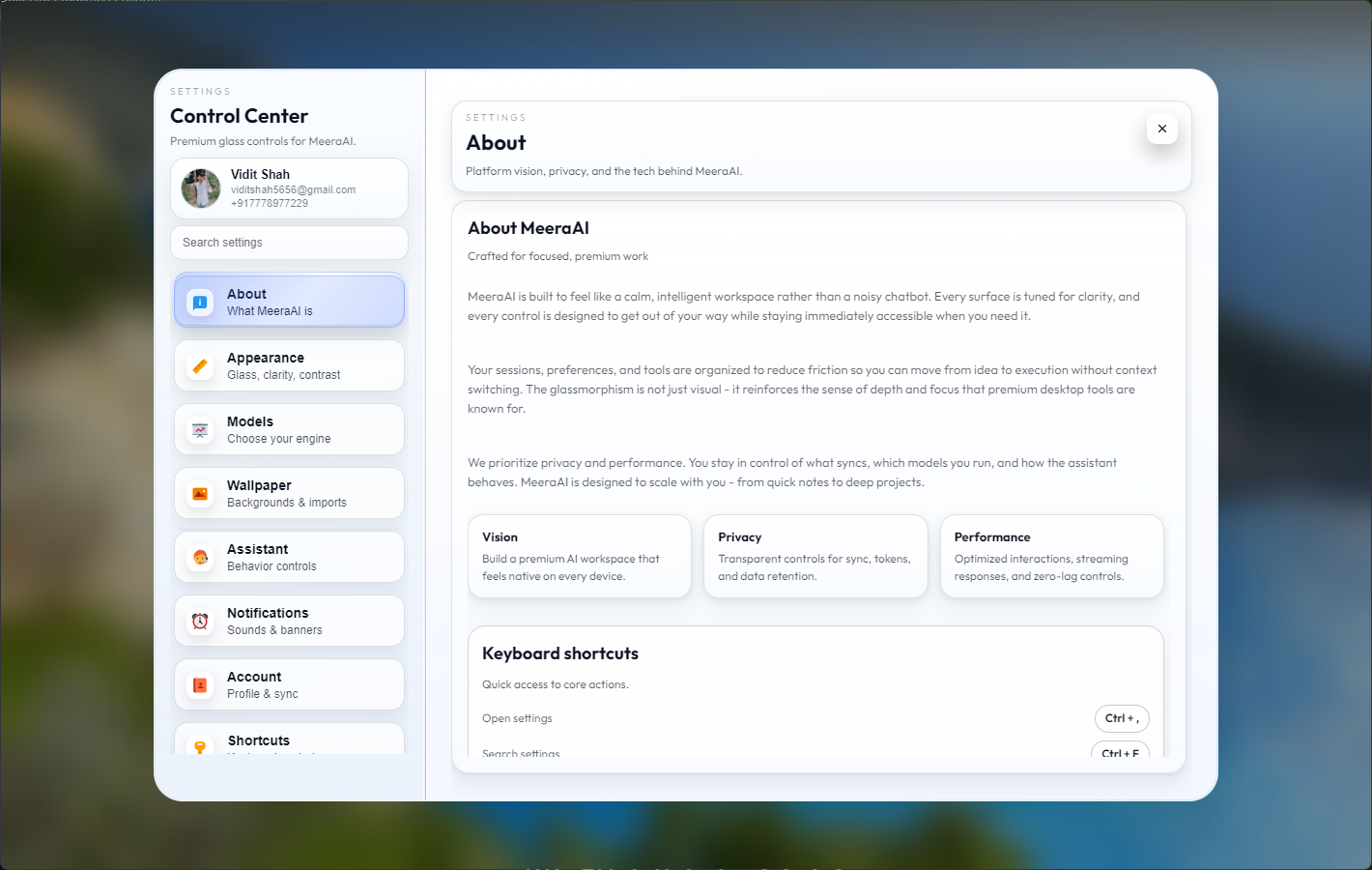
Hardware-aware model configuration
The configuration layer is where MeeraAI gives the user total control over their local hardware resource allocation. Through a sophisticated sidebar and settings system, users can adjust granular model parameters, toggle quantization tiers, and manage their local model library without ever leaving the application GUI.
A consolidated journey from initial entry to engine-level hardware configuration.
LLMs, Quantization, And Inference
LLMs, quantization, and inference are part of the MeeraAI explanation.
This section explains what LLMs are in this project, why quantization matters for lower VRAM hardware, how local inference is handled, and where deeper assistant work will be shown next.
Focus Signal
What LLMs mean here

About The Developer
About the developer
I am Vidit Shah, the developer of MeeraAI. This section is about my work on local AI inference, model deployment flow, quantization-aware decisions, and desktop application structure.
Next Step
More work on assistant behavior, fine-tuning, LLM behavior, quantization methods, and inference techniques will be shown in Meera - A Fined tuned Assistant project.
Suggestion Area
Suggestion area
People who write suggestions here can send feature requests, issue reports, and improvement ideas. The submitted suggestion will be mailed to me directly.
Share a missing workflow you want inside the app.
Report friction in setup, hardware detection, or runtime clarity.
Suggest model handling improvements for future Meera tiers.